 CallSheet
The call sheet is the only part you open.
CallSheet has native iPhone, iPad and Mac apps for producers, production coordinators, and ADs who pay for a production suite and use one screen in it.
Native drafting and branded PDF export are free without an account. The free PDF carries a small Made with CallSheet line. Pro removes that line and adds sending for $7.99 a month in the US App Store, with up to 100 selected recipients per send and service limits also applying.
CallSheet does not author script breakdowns, storyboards or script-based shooting schedules. Shot lists are unavailable in the current native apps.
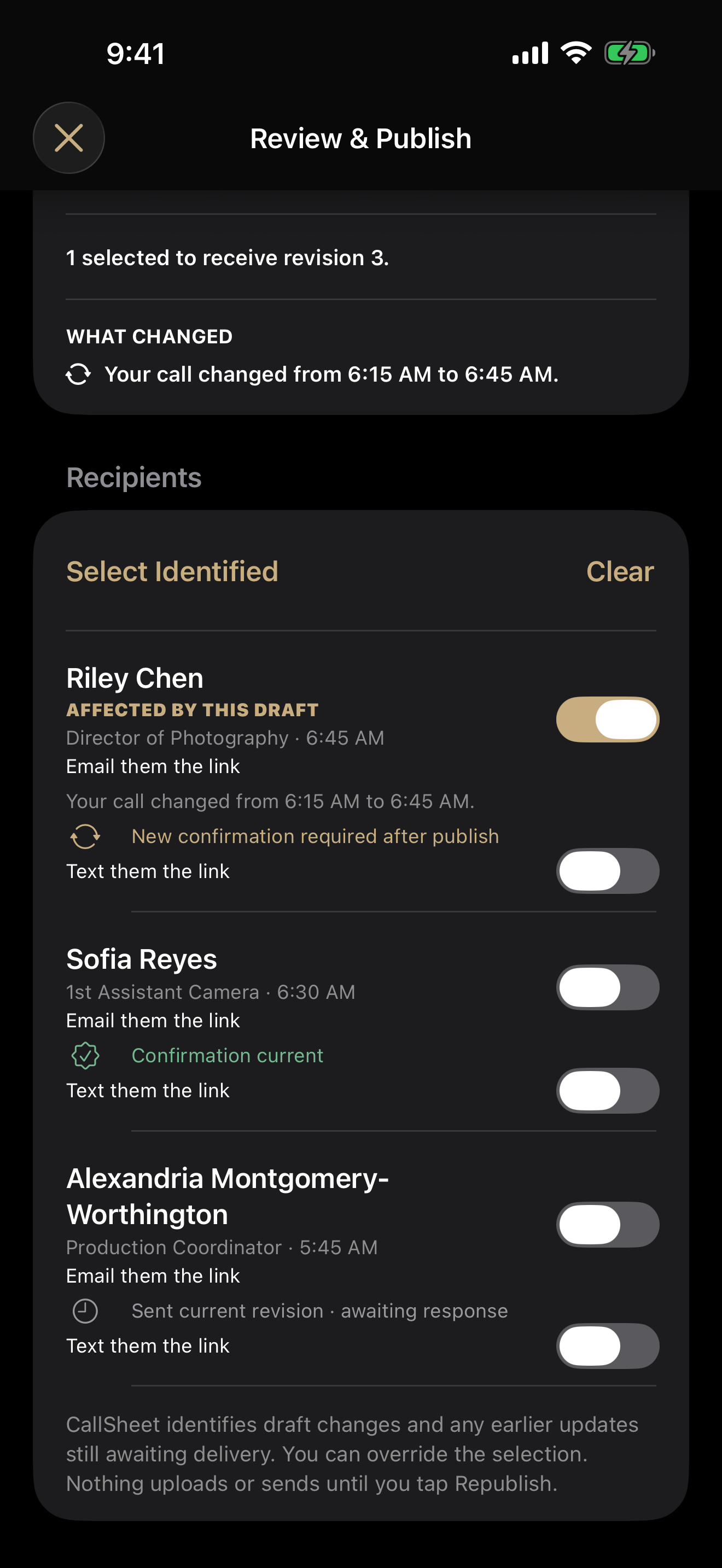
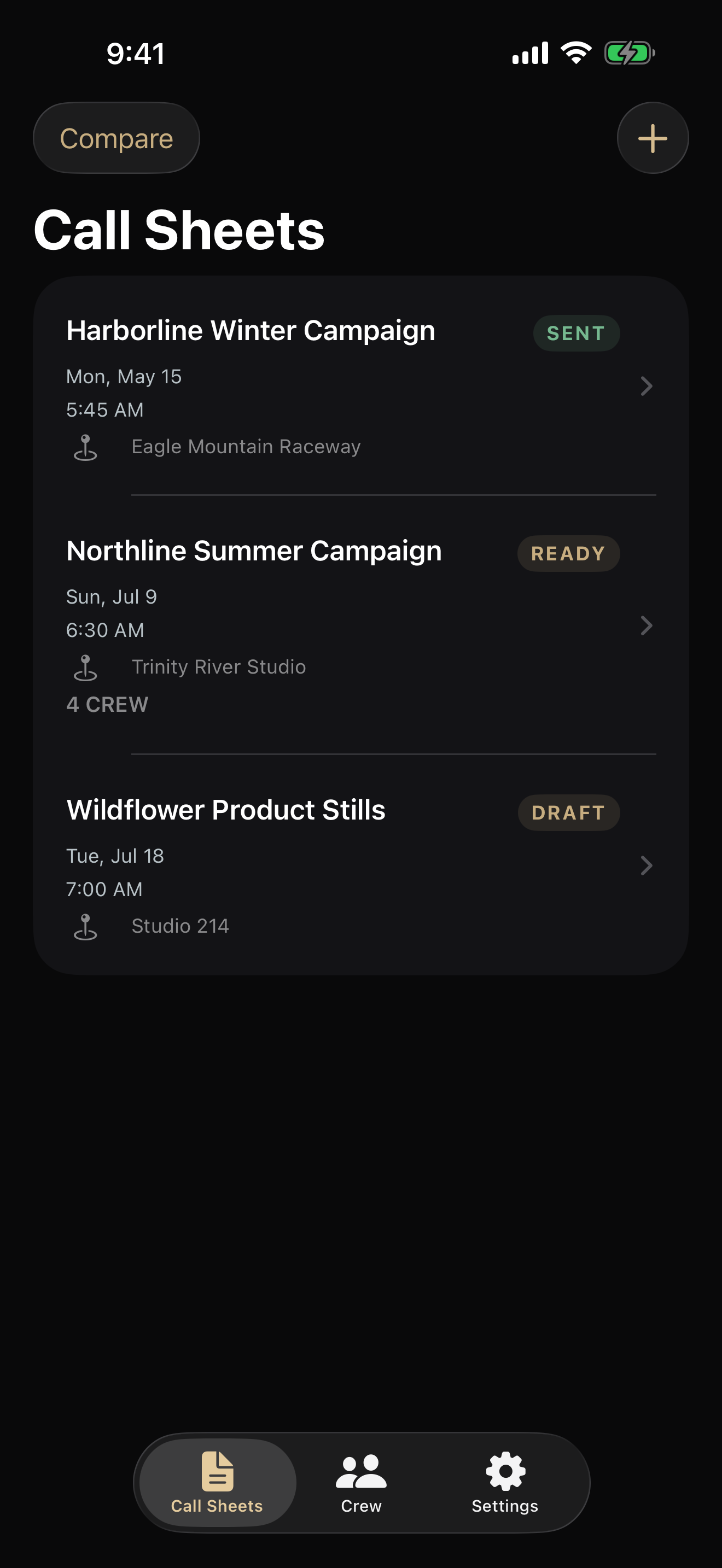
Compare the production work each tool covers.
StudioBinder describes a browser suite spanning writing, planning and shoot-day distribution. CallSheet offers native local drafting and a browser workspace for existing accounts. Check the stages you need, the devices you use and what remains available without a connection.
Review StudioBinder's production toolsWhat StudioBinder documents
- Writing and production planningScreenwriting, script breakdowns and shooting schedules are part of the suite.
- Team toolsShared contacts, production calendars and task boards sit beside call sheets.
What CallSheet supports
- Create native drafts on iPhone, iPad or Mac without an account.
- Local crew tools, preview and branded PDF export work offline; lookups and new imagery need a connection.
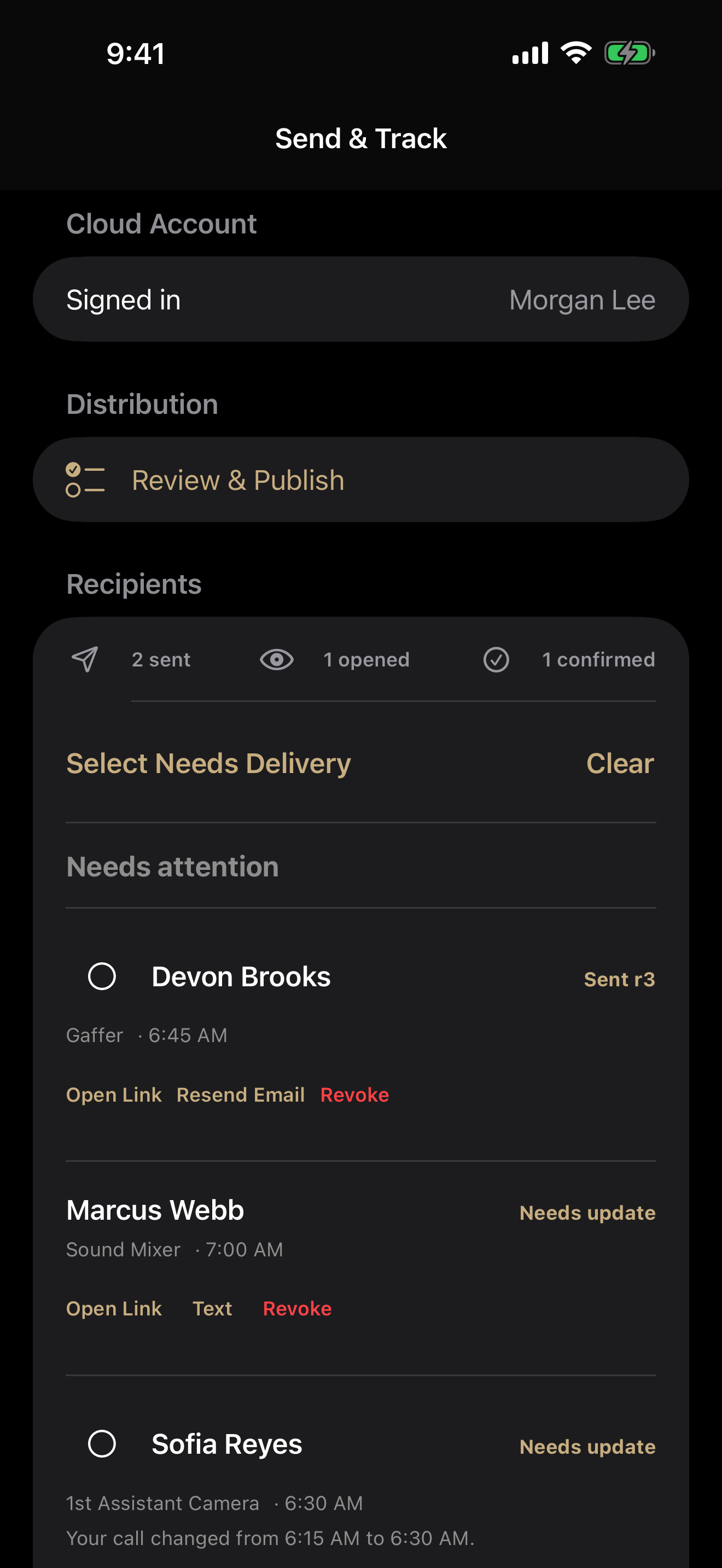
- Publish explicitly to put a native sheet in the account's browser library. Draft edits do not sync automatically.
- Recipients open a private page without an account or app and can download the published PDF.
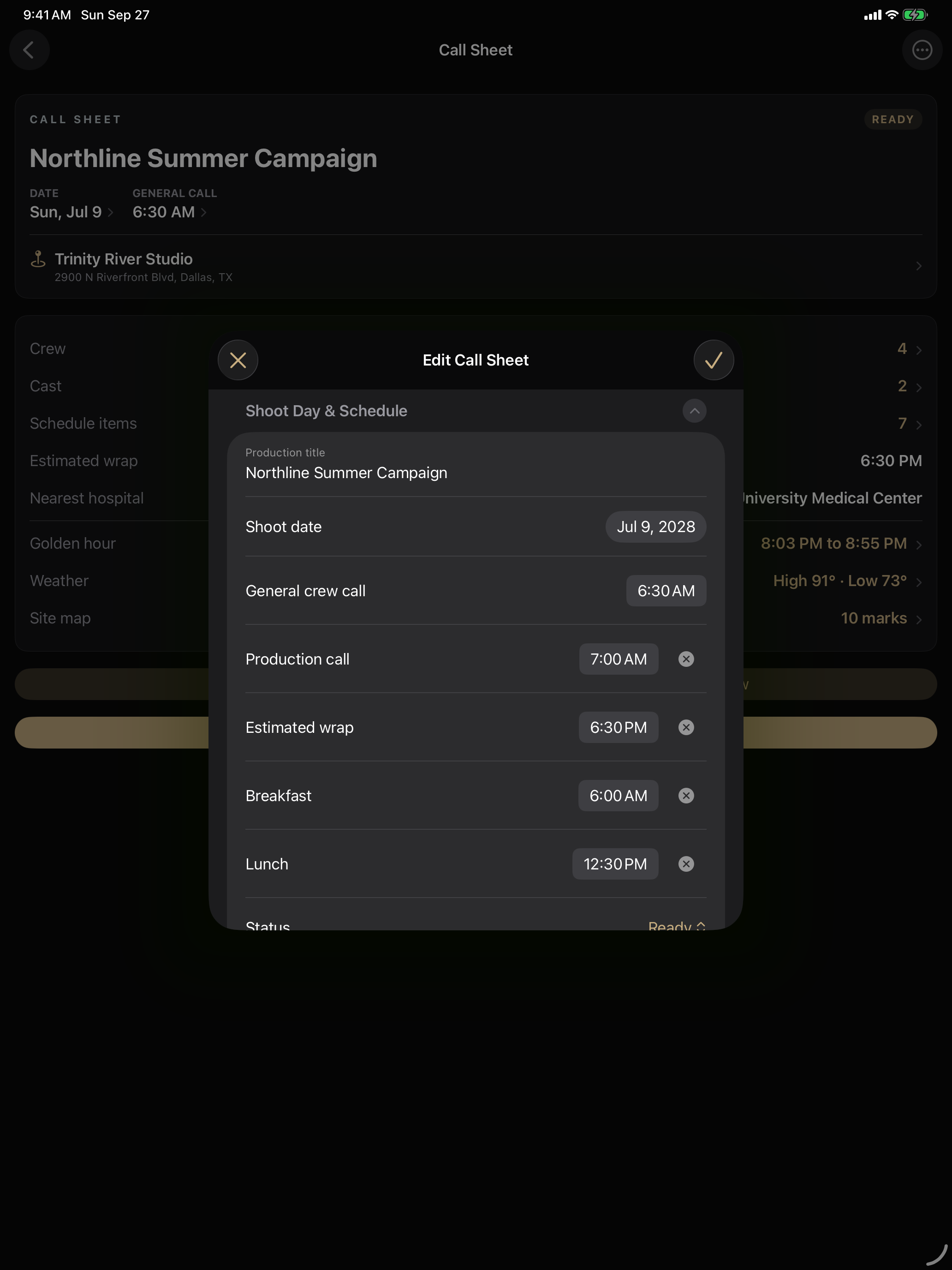
Check the limits that affect your job.
Native CallSheet drafts have no project quota, but that does not mean unlimited sending. Check selected recipients, delivery limits and collaborator permissions. For StudioBinder, confirm the current offer's projects, users and distribution allowances, including how archived projects count.
- Projects
- No project quota on native local drafts
- Crew
- Up to 100 selected recipients per send; service limits apply
- Extra people
- Browser sheet Editors can edit and Viewers can read; invited Editors and Viewers cannot send
- If you stop paying
- Native local drafts, crew tools, preview and branded PDF export remain free
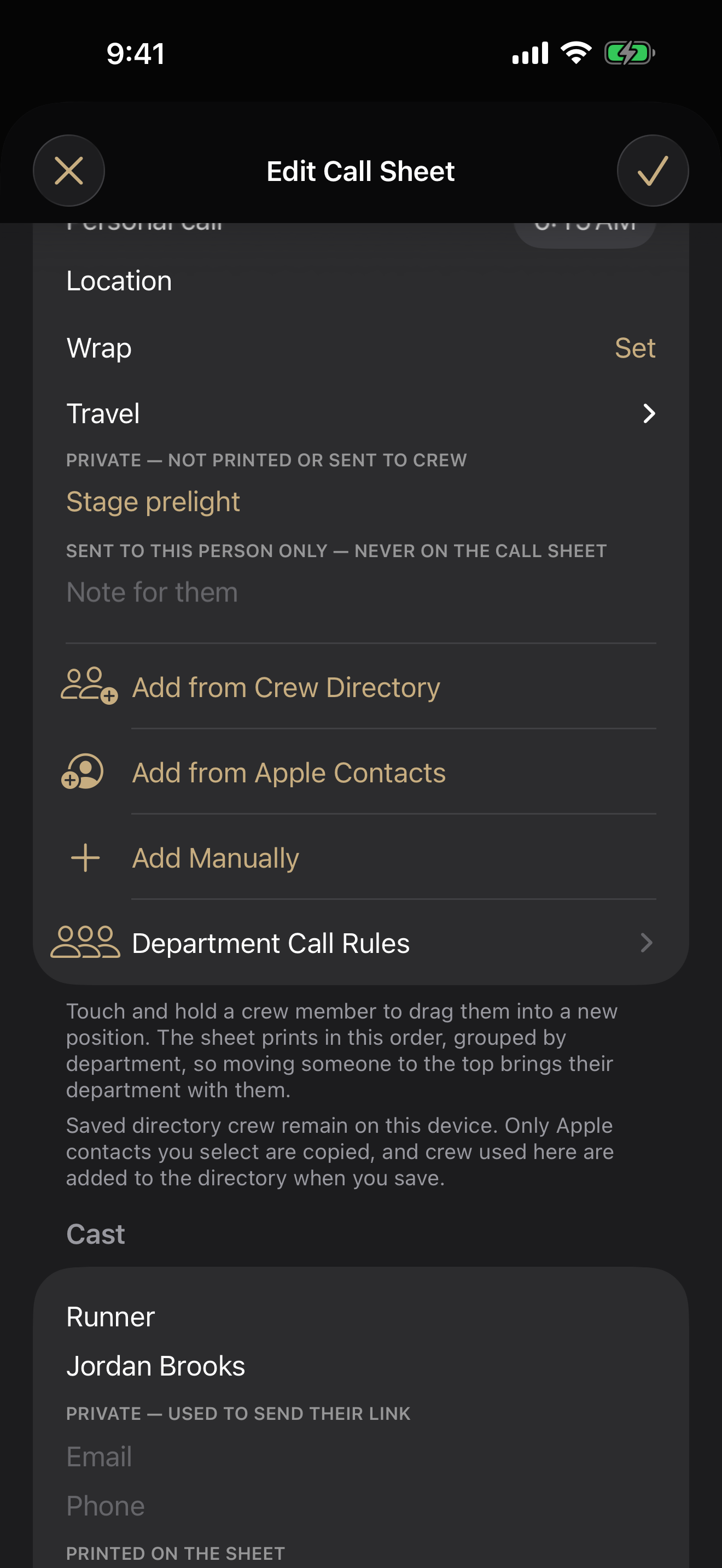
CallSheet Pro is $7.99 a month.
Pro removes the Made with CallSheet PDF footer and adds sending. Eligible new subscribers can try it free for seven days. Review the App Store offer for regional price, eligibility and renewal terms. Pro Duo supports two paired producer accounts.
Compare StudioBinder's current offer using the billing term, included users, projects and production tools you need. Its call-sheet, shot-list and planning descriptions explain the broader scope; this page does not reproduce a vendor price or assume every feature comes with every plan.
| Comparison | CallSheet Pro | StudioBinder |
|---|---|---|
| Monthly price | $7.99 / month in the US App Store | See the current plan offer |
| Price basis | CallSheet Pro monthly subscription | Check the billing term and included features |
| Collaboration | Browser-authored sheets support Editor and Viewer invitations; invited Editors and Viewers cannot send | Team collaboration is advertised; check the current plan's roles |
| Additional producers | Per-sheet browser invitations are separate from Pro Duo for two paired producer accounts | Check the current offer for users and seat charges |
| Projects | Native local drafts have no project quota | Check active and archived project allowances |
| Recipients per send | Up to 100 selected recipients; service limits also apply | Check contact and distribution allowances |
| Authoring | Native iPhone, iPad and Mac apps; browser workspace for existing accounts | Browser production suite |
| Works with no signal | Native local drafts, preview and PDF export; connected services need a network | Verify offline behavior for the workflow you need |
| Automated SMS | No. Prepares Apple Messages for you to send | Text distribution is advertised |
| Script breakdown and storyboards | Not included | Both are advertised; check plan availability |
| Shot lists | Unavailable in the current native apps | Shot-list authoring is advertised |
| Wrap Sheet | Pro closing email with thank-you, job code and invoice instructions. Native: selected shoot days. Browser: current sheet | Compare the closing-message workflow your production requires |
Confirm StudioBinder's current price, billing term, included users and project allowances in its current plan offer. CallSheet prices here refer to the US App Store; check your regional offer before subscribing.
Choose the tool that matches the job you are doing.
StudioBinder covers production tasks beyond the call sheet. Compare those tasks with the native drafting, per-sheet browser collaboration and recipient distribution your team needs. A recipient link gives access to an issued sheet; it does not grant editing access.
CallSheet is the better fit when
- The call sheet is the document you need to build and distribute.
- You need local drafts and PDF export on iPhone, iPad or Mac without a connection.
- You want to review affected recipients before issuing a revision.
- Private recipient links and per-sheet browser roles cover your sharing needs.
StudioBinder is the better fit when
- You write and break down scripts inside the production software.
- Storyboards and shot lists need to live beside the call sheet.
- Text distribution from the production tool is required.
- Your team uses shared calendars, contacts and task boards.
- Its current plan, collaboration roles and browser workflow fit the production.
Check the comparison at the source.
Feature descriptions were checked September 12, 2026 against StudioBinder's official product pages. Follow its current plan offer for prices and limits. Confirm current device support and plan availability with StudioBinder.